ARC Raiders - Vertical
Features
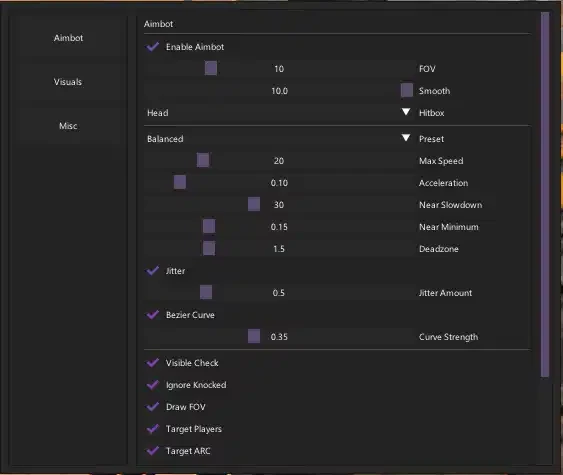
Aimbot
Configurable hotkey activation (default: Right Mouse Button)
Enable/disable aimbot
Hitbox selection
Field of view (FOV) adjustment
Ignore knocked players
FOV circle indicator
Target players option
Target ARC enemies
Target name display
Visibility check
Target line indicator
Maximum speed limiting
Target circle indicator
Deadzone configuration
Smoothing adjustment
Minimum speed threshold
Jitter simulation with adjustable amount
Acceleration control
Near-target slowdown
Curved aiming with strength adjustment
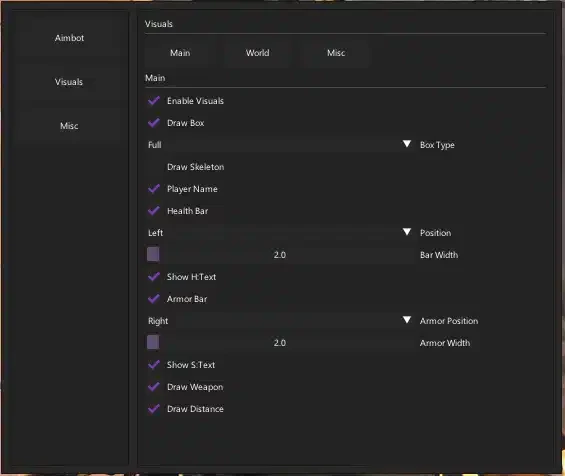
Player Visuals
Skeleton display
Enable/disable ESP
Health bar with customizable position, width, and text display
Armor bar with customizable position, width, and text display
Weapon display
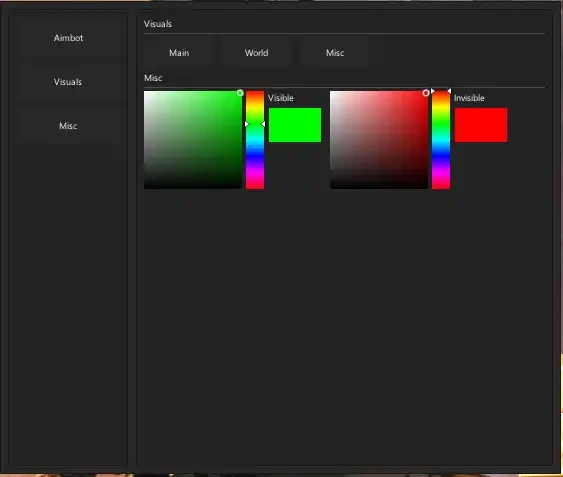
Separate colors for visible/invisible targets
Distance indicator
Player name labels
Bounding boxes with multiple types
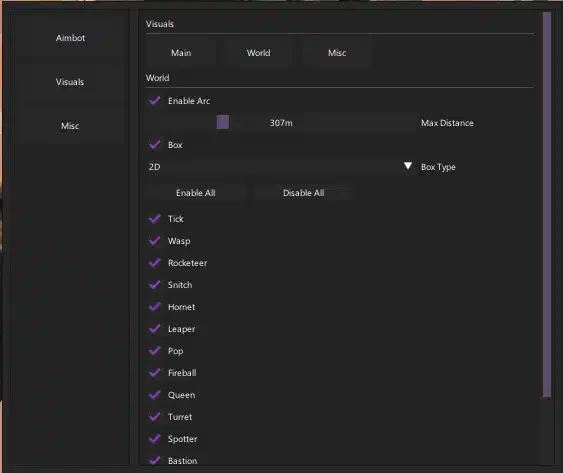
ARC Enemy Visuals
Individual toggles for Tick
Enable/disable ARC ESP
Maximum distance filter
Bounding boxes with multiple types
Individual toggles for Wasp
Individual toggles for Rocketeer
Individual toggles for Hornet
Individual toggles for Snitch
Individual toggles for Leaper
Individual toggles for Pop
Individual toggles for Fireball
Individual toggles for Bastion
Individual toggles for Turret
Individual toggles for Queen
Individual toggles for Sentinel
Individual toggles for Bombardier
Individual toggles for Shredder
Individual toggles for Spotter
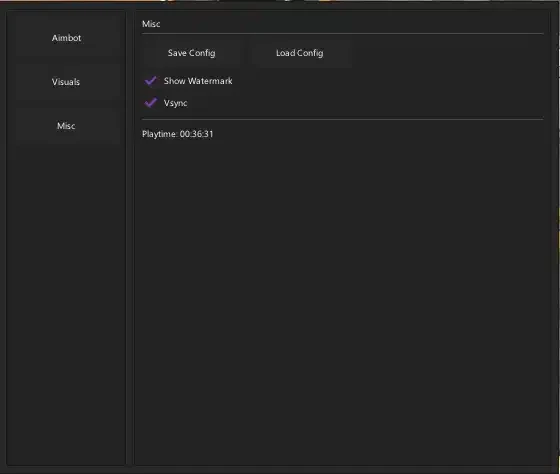
Misc
Save & Load Config